> ## Documentation Index
> Fetch the complete documentation index at: https://learn.ageno.ai/llms.txt
> Use this file to discover all available pages before exploring further.
# Knowledge (RAG)
> Add your documents so agents answer with your facts.
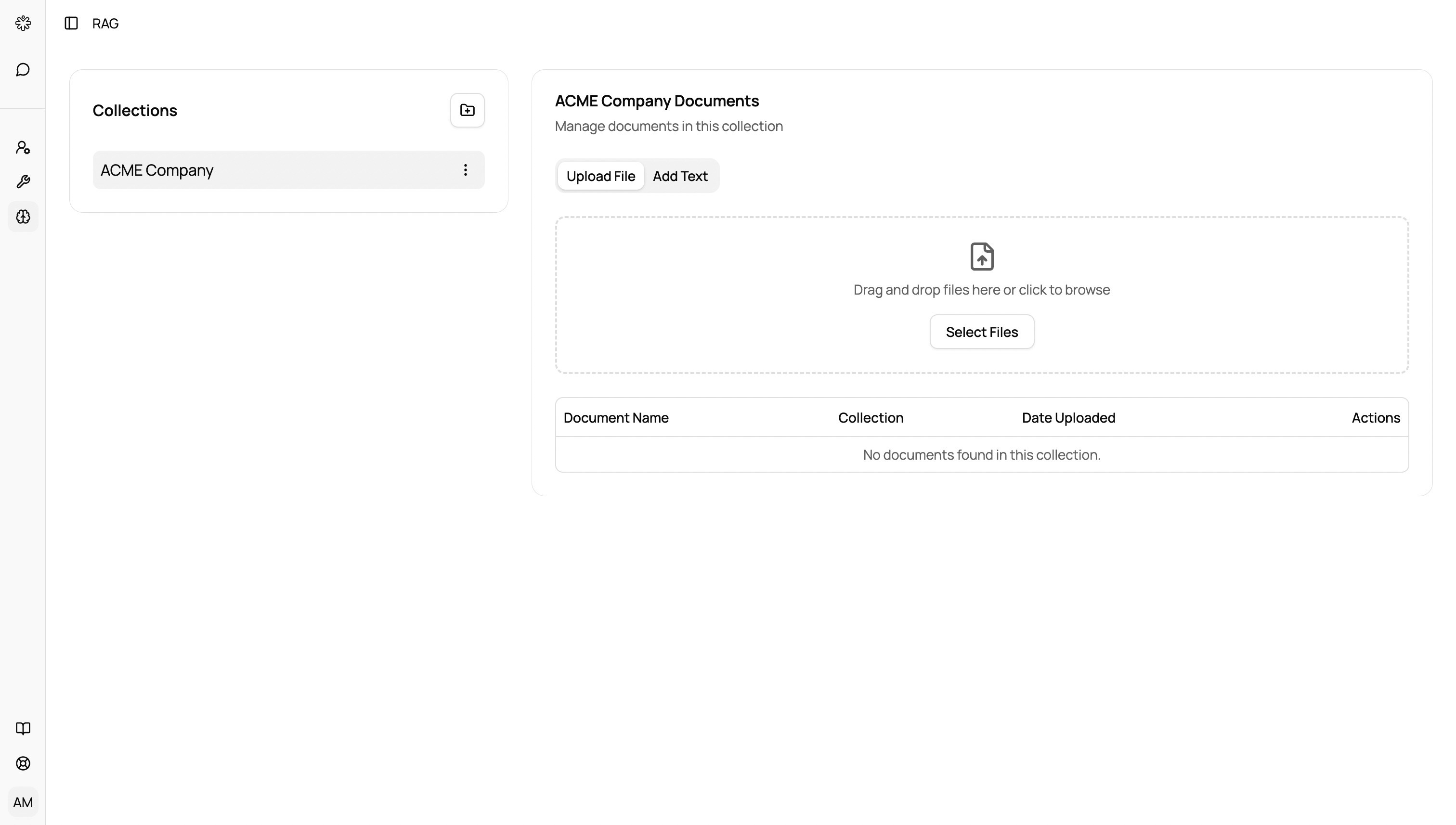 RAG (Retrieval‑Augmented Generation) lets agents look up your documents while answering.
## How it works
* Create a collection and upload files on the Knowledge page.
* When starting or editing an agent, choose a default collection.
* During chat, the agent retrieves relevant passages to ground its response.
## Best practices
* Use clear collection names and descriptions.
* Prefer clean, text‑based PDFs or docs for best extraction.
* Re‑ask with more context if answers seem generic.
RAG (Retrieval‑Augmented Generation) lets agents look up your documents while answering.
## How it works
* Create a collection and upload files on the Knowledge page.
* When starting or editing an agent, choose a default collection.
* During chat, the agent retrieves relevant passages to ground its response.
## Best practices
* Use clear collection names and descriptions.
* Prefer clean, text‑based PDFs or docs for best extraction.
* Re‑ask with more context if answers seem generic.